 Screen GM
For game masters, around a real table
Your world comes alive on the table.
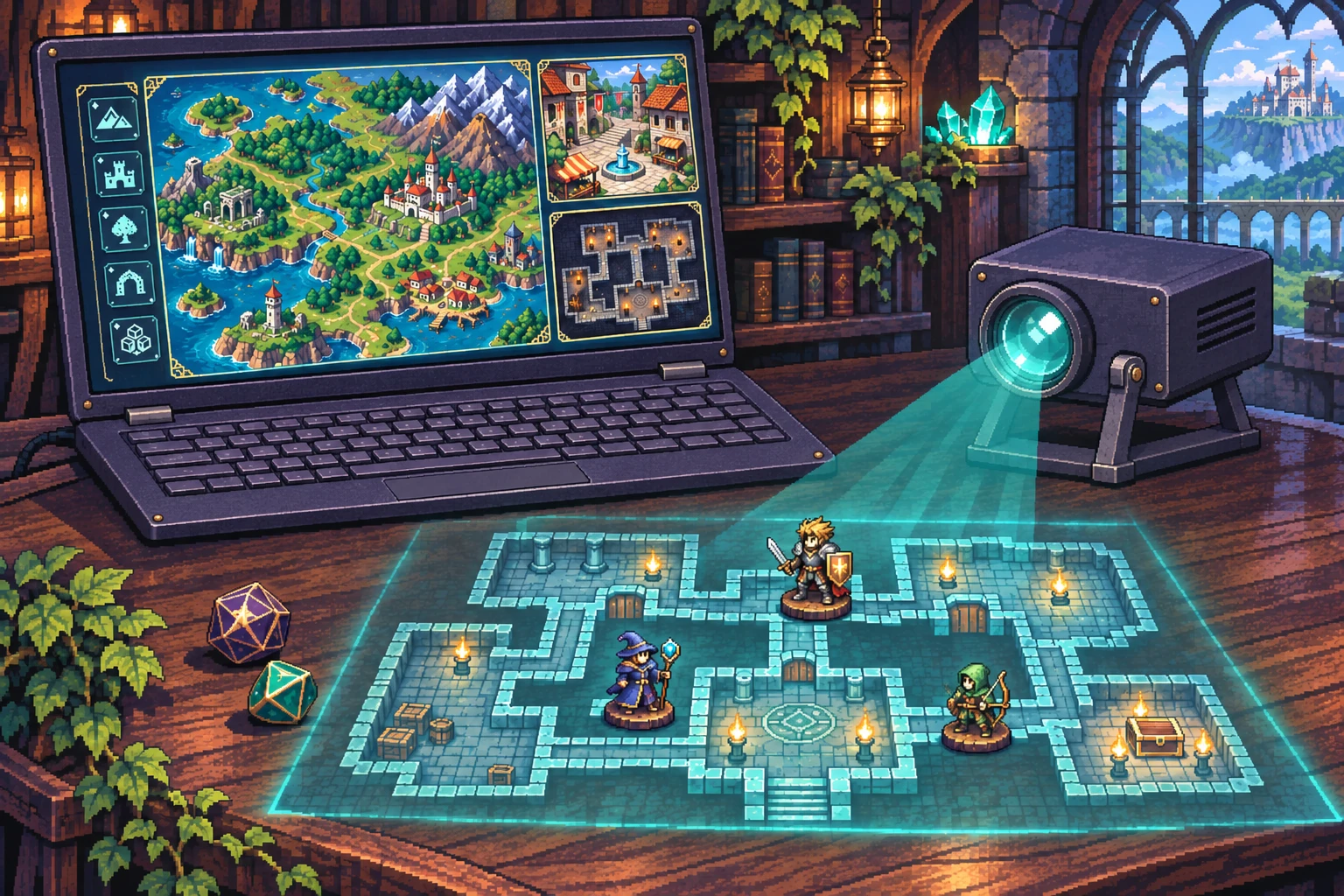
Prepare your world, its towns and its dungeons, then show them on a TV, a projector or a screen built into the table. You reveal each room and each secret when you choose: your players only see what you show them.
Prepare
Organize all your images into a storyline and create your dungeons.
- A tree to organize. Places, towns, dungeons.
- Place points of interest on your map, or links between the different places.
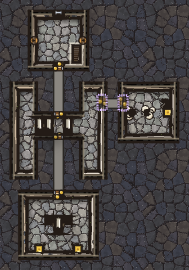
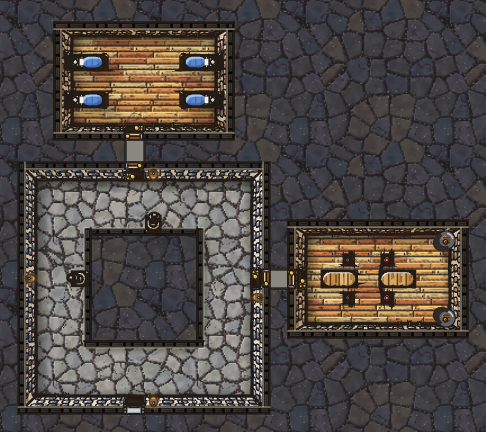
- Create your dungeons. Draw your rooms, roll a random dungeon, or have your AI create one.
Example: Golden Steeples Archipelago
Play
Project your battle map onto the table and reveal it at the pace of your game.
- Choose where the game takes place. From the GM console, you pick the place or dungeon to project.
- Show or hide. A chest, a secret door, a monster: you reveal each hidden element when you decide to.
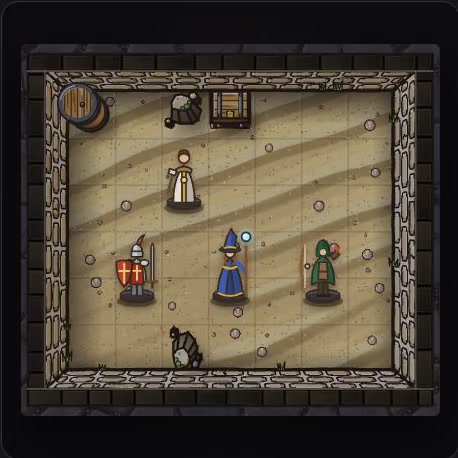
- Your players play. An illustrated, immersive board that only shows what you’ve revealed: the rest is never even sent to their screen.
Example: a clearing, where two hidden goblins appear
Project
Choose how to display your map, depending on the equipment you have.
- On the wall. The map at full size, to illustrate the scenery. A TV or a projector is enough.
- Projected onto the table. Under your miniatures, from above or from below (mirrored), at real scale: 25 mm squares, set with an ordinary bank card.
- Built-in screen in a gaming table, adjustable to the resolution.
With or without miniatures
Put your real miniatures on the projected map, or play without them: the players’ tokens are on the map, created from their character sheets or just from a name, a race and a class.
Either way, you move the tokens from your GM console.
Ready-to-play worlds
The Thousand Bells Archipelago, free: a complete world, ready to play tonight.
A map, islands, towns, battle maps and dungeons, already linked and ready to reveal, with a story and adventure hooks. Install it in one click from the Worlds tab of Screen GM, then play it as is or change it like your own. This world is in French for now.
Browse the store →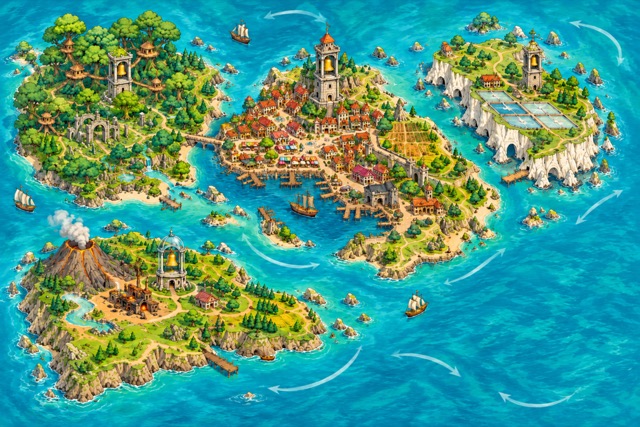
With your AI assistant
Optional: if you already use an AI, the campaign notebook gives it what it needs to prepare worlds, dungeons and boards with you.
- Illustrate. The AI writes the scene, the app builds the prompt, and the image joins your Library.
- Create a dungeon. Rooms and battle maps drawn by your AI, which you import into your tree.
- Split into battle maps. An image in bird’s-eye view becomes one battle map per zone.
Everything you need around the table
Frequently asked questions
What equipment do I need?
A computer with Chrome or Edge (recommended) and a second screen: a TV, a projector or a screen built into the table. No screen? You can print your dungeons to scale.
Do I need the internet during the game?
You need a connection to open the app. Once it’s open, the game runs without a network, except voice dictation.
Which game is it for?
Designed for 5th edition (2014 or 2024 rules) and usable with any fantasy game: maps and dungeons don’t depend on any rules.
Where is my data?
In your browser, or in a folder on your computer. No account, and one click to back everything up.
Which languages?
The app is in English and French. For now, room descriptions and commands must be typed in French.
How much does it cost?
The beta is free, and so is The Thousand Bells Archipelago, the first ready-to-play world. The tool will stay free; syncing between your devices and some future worlds will be paid.